
Every road you drive,
kept in one record
Camera footage, live speed and your GPS route, recorded together and replayed in sync. No account, no cloud: everything stays on your phone.
Built for the road, not for the menu
Tap once, drive, and come back to a trip you can actually watch.
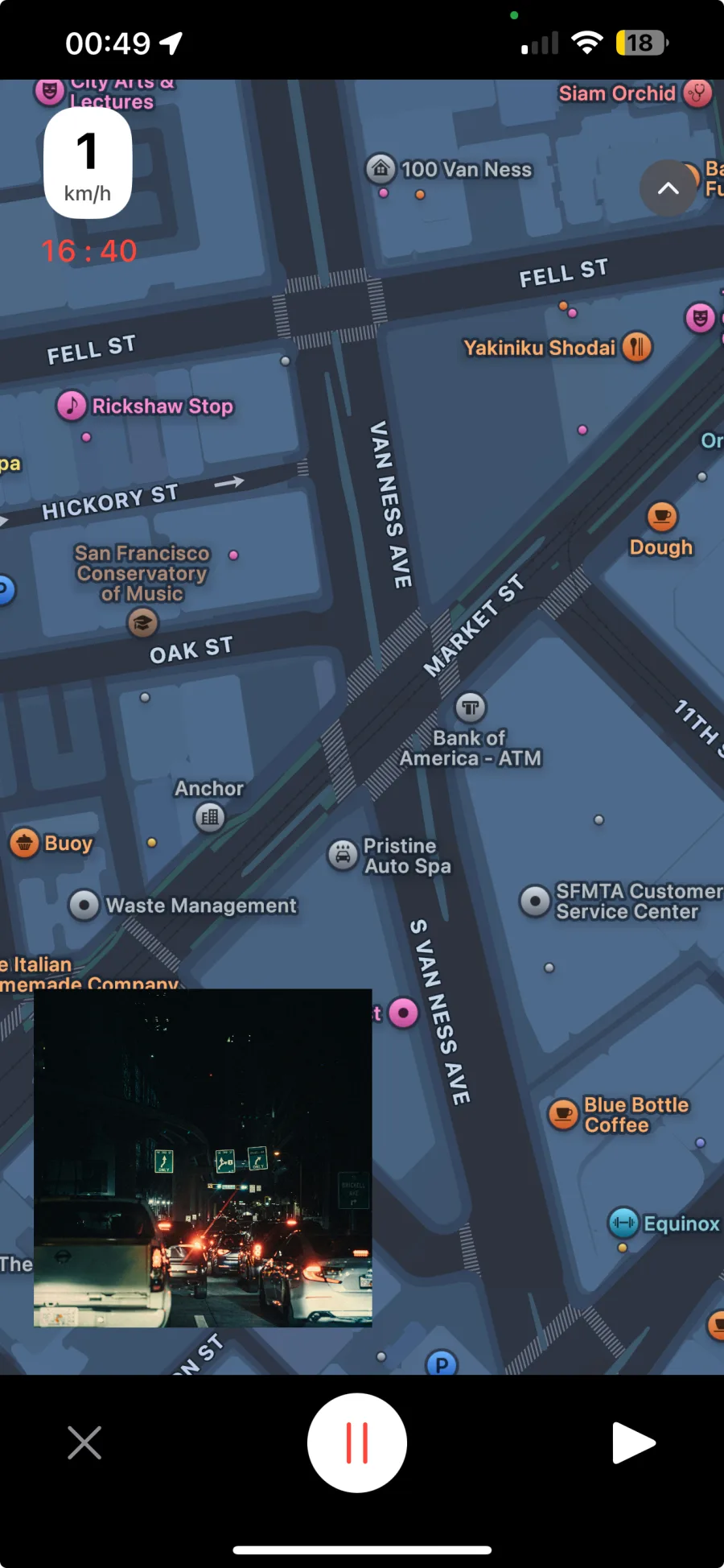
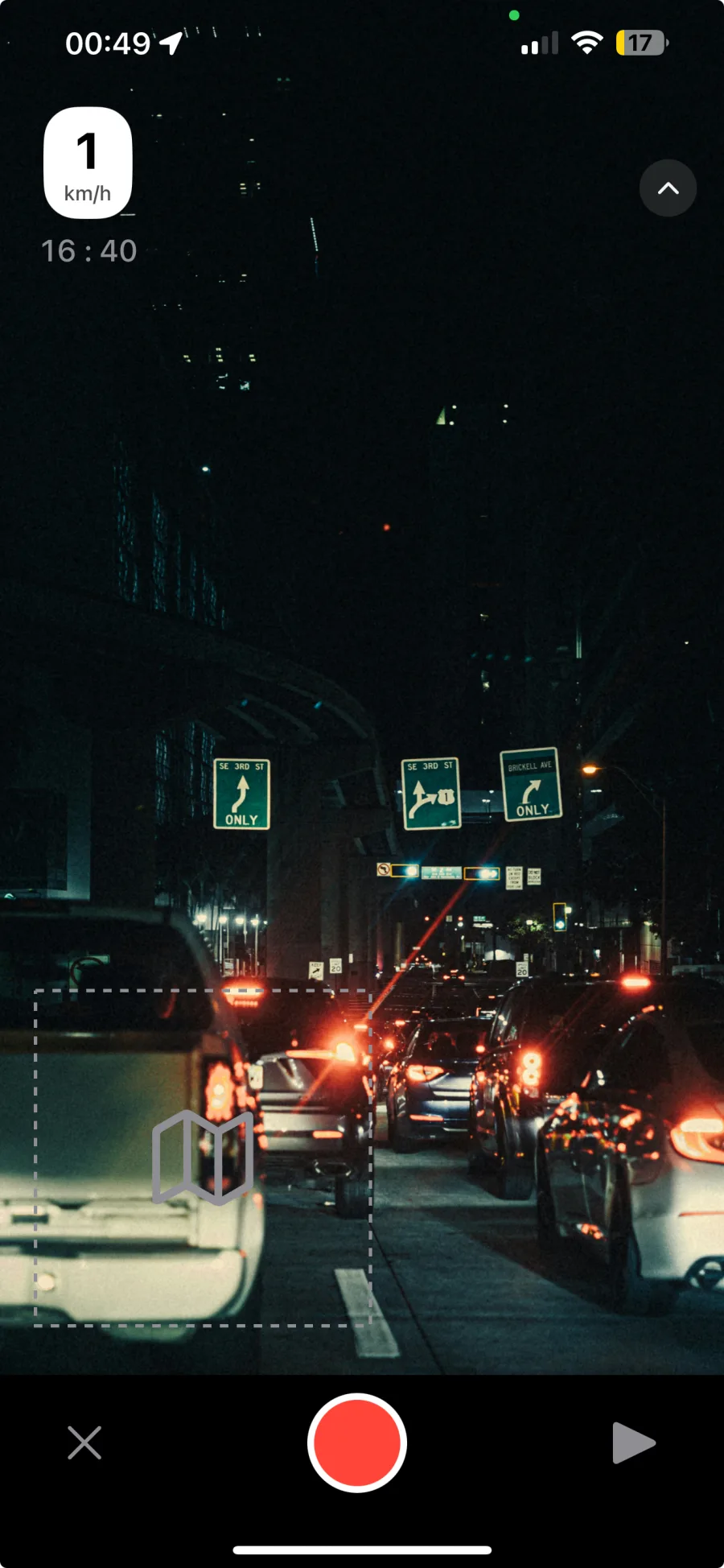
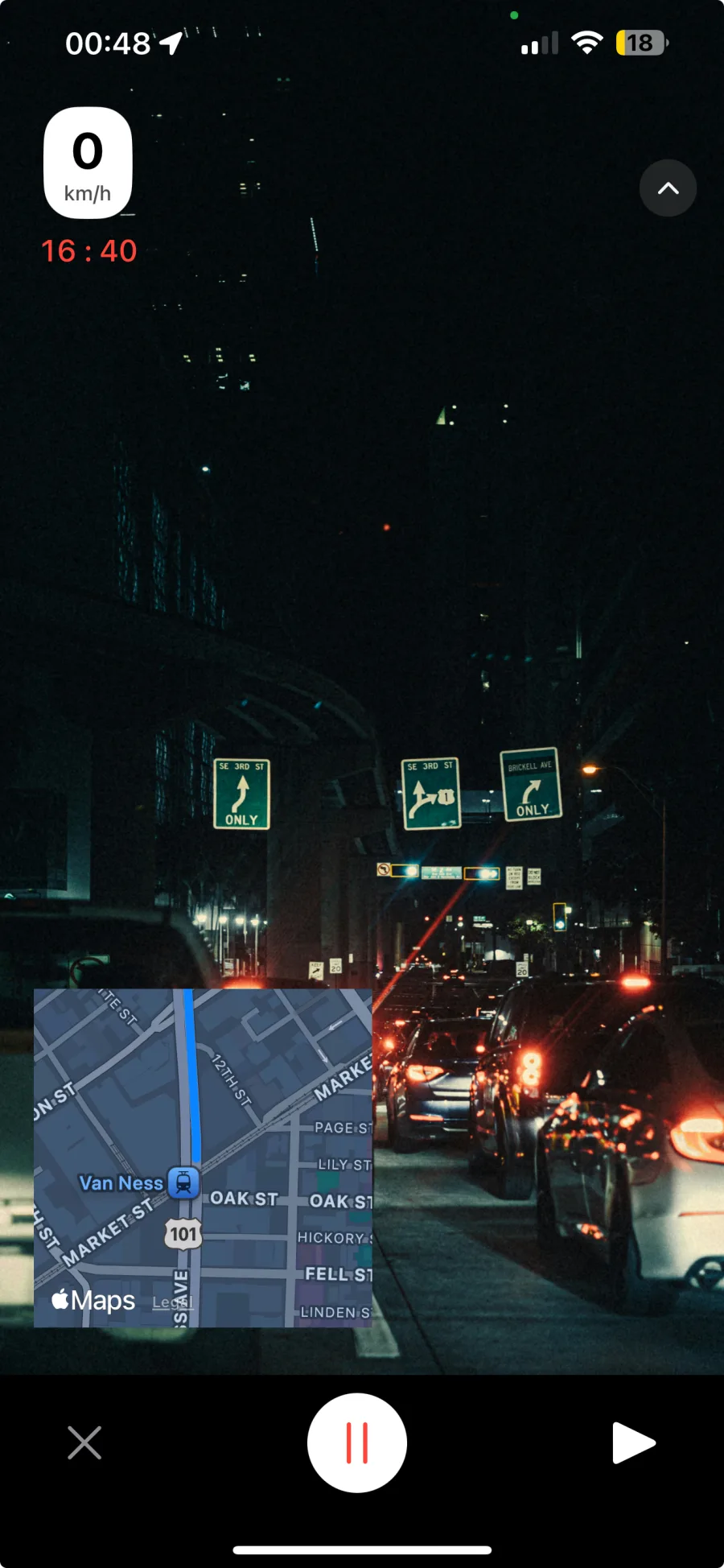
Camera and map, side by side
Record camera-first or map-first. The other view rides along as a picture-in-picture you can drag and swap without stopping.
- Swap layouts mid-drive
- Recenter and follow mode
- Draggable picture-in-picture
Speed and time, right on the footage
A speed readout and elapsed time sit on top of the video while you record, readable at a glance and out of the way.
- Live speed overlay
- Elapsed recording time
- Controls hide for clean footage
Every trip, replayed in sync
Open any drive from your records and watch it back with the route and speed locked to the video timeline.
- Records list with thumbnails
- Video, map and speed in sync
- Top speed, distance, duration
A dashcam records what you hope never to watch.
DriveLens records what you'll want to.
A dashcam is the app you never open again. DriveLens is an archive of your drives, and the dashcam is just one way to use it.
Loops over itself, sits unwatched, and only matters on the worst day. Until then, it's storage you never look at.
Every drive is one record: route, speed and footage together. Scroll back through the roads you took and watch any of them again.
Your drives never leave your phone
Where you go is personal. DriveLens is built so that nobody but you ever sees it.
No account
Open the app and record. There is nothing to sign up for, and nothing to log into.
No cloud
Footage, speed and route are written to your phone and stay there. Nothing is uploaded.
Data Not Collected
It is what the App Store privacy label says, and it is true: no analytics, no tracking.
From ignition to replay in 3 steps
- 1
Mount & tap record
Put the phone on the dash and tap once. Pick camera-first or map-first.
- 2
Just drive
Speed, time and route are captured with the video. The screen stays calm.
- 3
Replay any trip
Open the drive from your records and watch it back, map and speed in sync.
Put your next drive on the record
DriveLens is coming to the App Store. Want in early? Say hello.
Contact us